
INDUSTRY SOLUTIONS

Property & Industrial Park Management System

Solution Categories⌄
FROM BUSINESS CHALLENGES TO SYSTEM DESIGN

Choose your industry and explore a practical solution.

Configuring property fee periods and calculation rules
Property & Industrial Park Management System

Configuring property fee periods and calculation rules

Park rent, property fees, and energy consumption are calculated in different ways, and the charging system cannot stuff them all into a fixed amount field. The project should have a clear billing cycle, basic amount and effective scope, so that the bill can explain where the fees come from.

Explore Solution

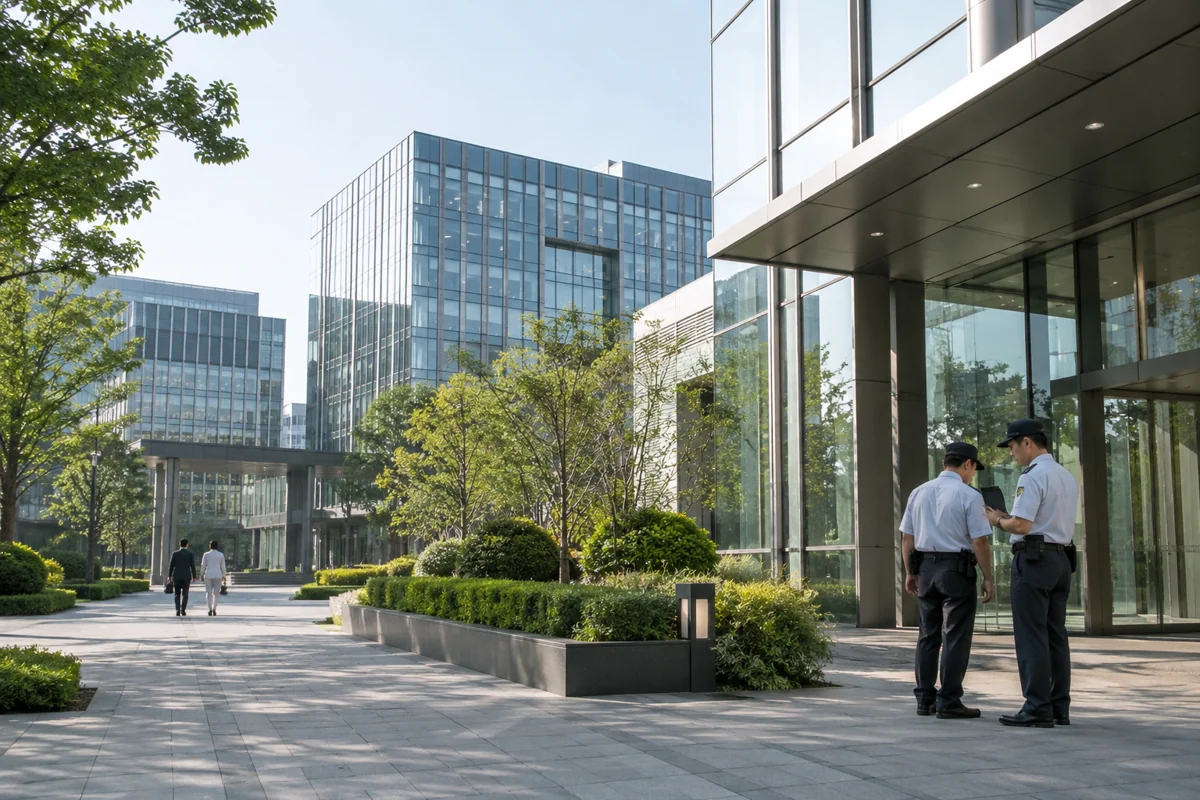
Show tenants progress when maintenance tickets are reassigned
Property & Industrial Park Management System

Show tenants progress when maintenance tickets are reassigned

After a tenant submits a repair report, if he only sees "Processing", he cannot tell whether someone is taking the order, waiting for accessories, or whether on-site cooperation is required. The park's repair reporting process should link internal processing with externally explainable progress, and clarify the responsibilities after transfer.

Explore Solution
Prevent duplicate tasks in equipment inspection plans
Property & Industrial Park Management System

Prevent duplicate tasks in equipment inspection plans

The same device may belong to multiple inspection plans, and tasks may be generated repeatedly after the plans are adjusted. Park equipment management needs to distinguish between plan templates and generated execution tasks, so that personnel know what the basis for this inspection is, and it is also easy to check for missed inspections.

Explore Solution
Connect visitor appointments with on-site verification
Property & Industrial Park Management System

Connect visitor appointments with on-site verification

Visitor reservations can reduce on-site repeated communication, but the reservation information does not mean that the visitor has arrived. The park visitor system should distinguish between application, confirmation, arrival and departure. The entrance only collects information necessary for business, and the use scope and retention arrangements of records should be clearly defined.

Explore Solution
Parking system docking, how to identify the relationship between vehicles and tenants
Property & Industrial Park Management System

Parking system docking, how to identify the relationship between vehicles and tenants

License plates are identification information in the parking business, but they do not necessarily belong to the same tenant for a long time. Temporary vehicles, vehicle swaps and lease terminations may change authorizations. The park platform should manage effective relationships when docking with the parking system, and cannot write license plates into tenant files and then not update them for a long time.

Explore Solution
Handling late meter readings and meter replacements in utility billing
Property & Industrial Park Management System

Handling late meter readings and meter replacements in utility billing

Late recording of meter reading records, meter failure and meter replacement may affect the current usage. If the system only saves the current reading minus the previous reading, a negative number may appear after changing the meter, and additional entries may also change the confirmed bill. The park energy consumption module should retain the complete relationship between meters and readings.

Explore Solution
Park service portal, how to unify tenant accounts and service items
Property & Industrial Park Management System

Park service portal, how to unify tenant accounts and service items

Repair reports, visitors, payments and notifications use their own accounts, making it difficult for tenant staff to know where to handle them. The unified entrance should first sort out the relationship between tenants and personnel, and then display matters according to positions to avoid a shared account giving all personnel the same permissions.

Explore Solution
On the park management signboard, the occupancy rate and charging rate should be clearly defined.
Property & Industrial Park Management System

On the park management signboard, the occupancy rate and charging rate should be clearly defined.

Park management boards often put the rental area, contract quantity and fee amount together, but they reflect different dimensions. Whether unsigned reserved space is included in the rental rate and whether undue bills are included in the charging rate need to be clarified first, otherwise there will be no common basis for comparison results.

Explore Solution
How to record sub-leasing and merger in the park housing ledger
Property & Industrial Park Management System

How to record sub-leasing and merger in the park housing ledger

The same floor may be assigned to different companies, or may be regrouped during lease renewal. If the property ledger records only one room number, the contract area, charge range, and on-site location are likely to be inconsistent. Property park systems should differentiate between physical space and rentable units and maintain a history of adjustments.

Explore Solution
Lease renewal: preserve the original expiry date
Property & Industrial Park Management System

Lease renewal: preserve the original expiry date

When a tenant renews their lease, price, square footage and payment arrangements may change together. Simply extending the expiration date of the original contract to a later date will make it difficult to verify the basis for historical charges. The park system should retain the original lease term and original agreement, and the renewal should be treated as an associated new contract or a confirmed change.

Explore Solution
LET’S BUILD TOGETHER

Turn business ideas into reliable software.

From requirement sorting to online iteration, work with Gongqixin to find the digital path that suits you.

Let's Talk About Your Project
LET’S CONNECT

Discuss Your Project on WeChat

WeChat contact QR code

Scan with WeChat to add our contact.

Save or screenshot this code, then open WeChat Scan → Album to add our contact.

Open WeChatSave QR Code
If your browser cannot open WeChat, use its camera or album scanner.
LET’S TALK

Scan to Call and Discuss Your Project

15232589677

Scan with your phone camera or QR scanner, then confirm the call.

If your scanner does not support phone links, enter the number manually.